
 Stills
Engineering Visualization
Boat & XYZ Gantry System
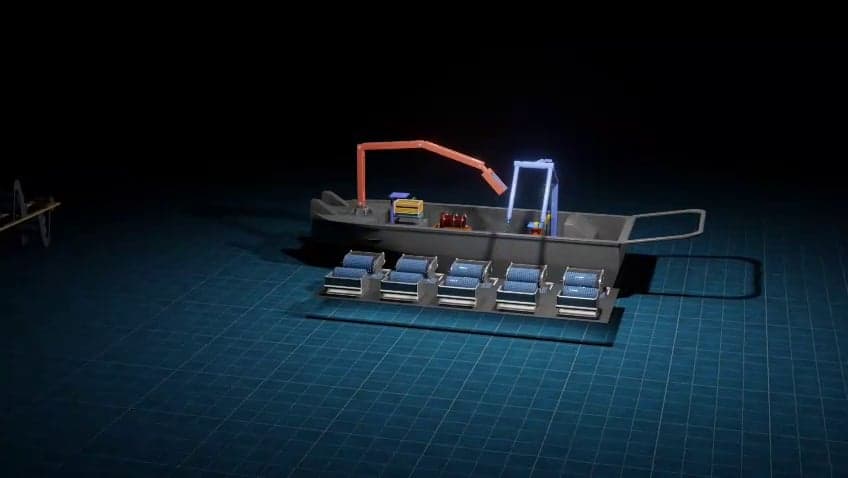
3D engineering animation of a boat fitted with a crane arm and an XYZ gantry system, created for Seascape Aquatech.
Industrial animation
Engineering projects involve people who don't read drawings: clients, investors, planners and the teams who will eventually operate what you build. Engineering visualization turns technical designs into 3D images and animations everyone can understand.
We visualize facility layouts, infrastructure, systems and equipment for design reviews, approvals, documentation and presentations, helping teams spot issues earlier and agree faster.
Why it works
A 3D view of a layout or system makes a design clear to non-engineers in seconds.
Seeing equipment, access routes and clearances in 3D helps teams spot conflicts before they become costly.
Clear visuals shorten the conversation between engineering, management and clients.
Portfolio
StillsEngineering Visualization
3D engineering animation of a boat fitted with a crane arm and an XYZ gantry system, created for Seascape Aquatech.
 Film · 1:25
3D Industrial Animation
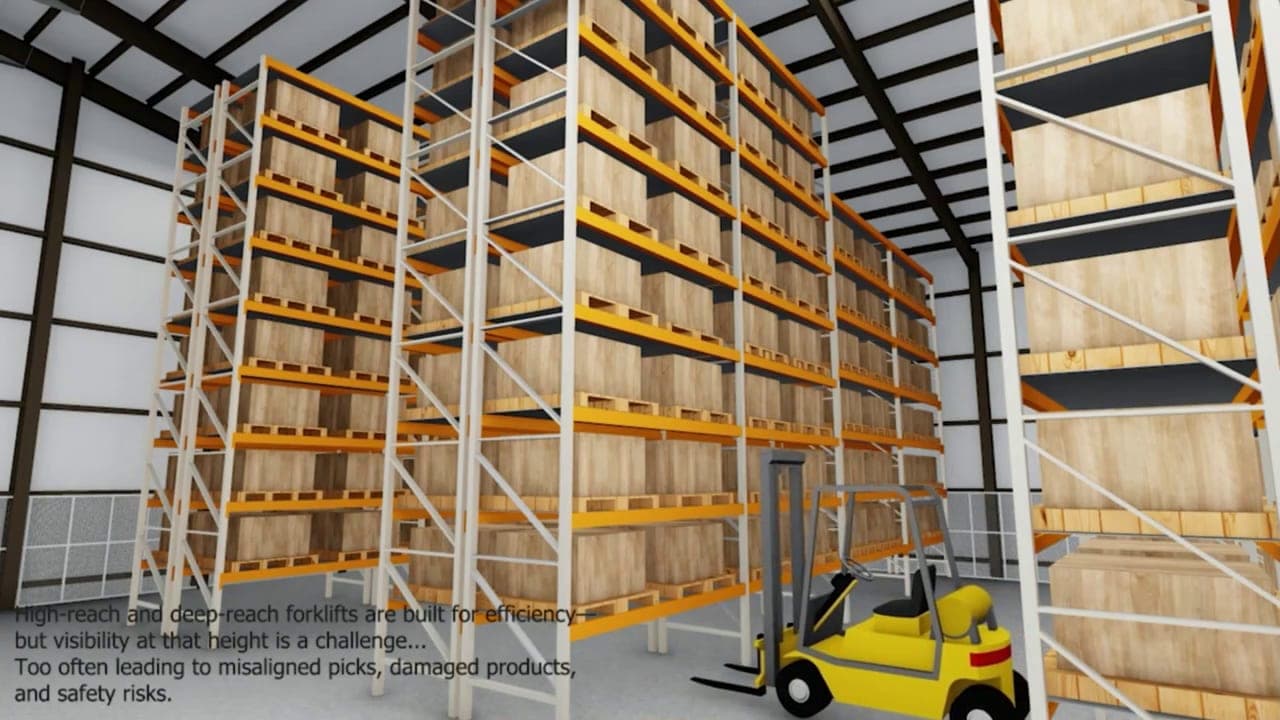
A 3D warehouse animation demonstrating forklift material handling and operator visibility at height.
 Film · 0:42
Engineering Visualization
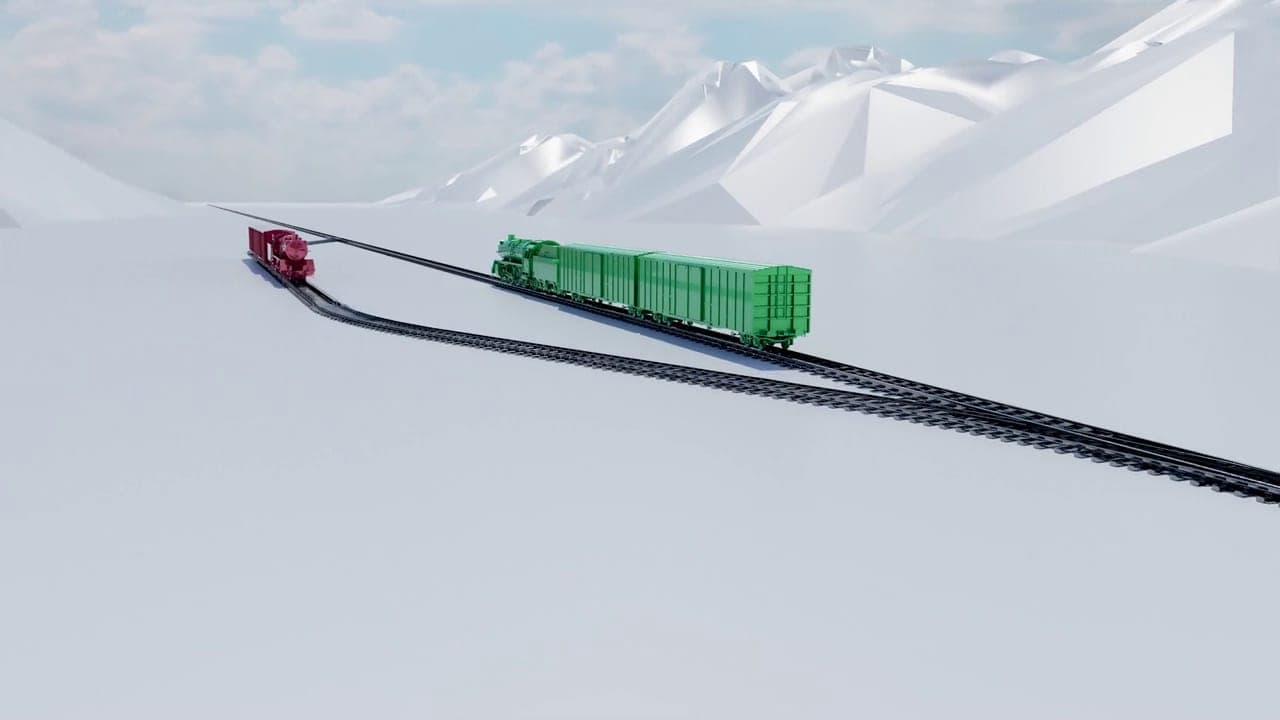
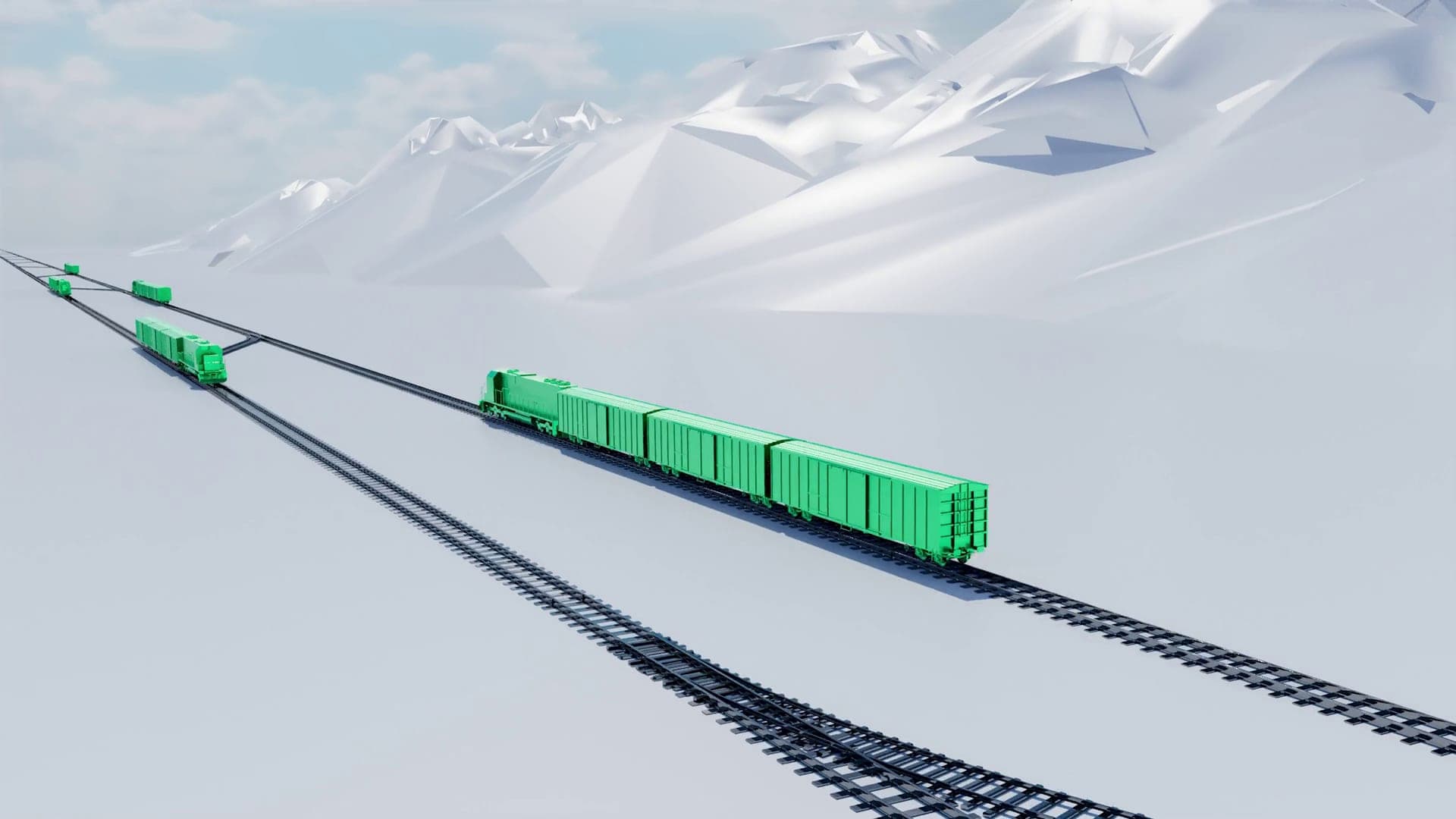
A 3D railway animation of a freight train running through a snowy mountain landscape and across a junction.
 Film · 0:43
Engineering Visualization
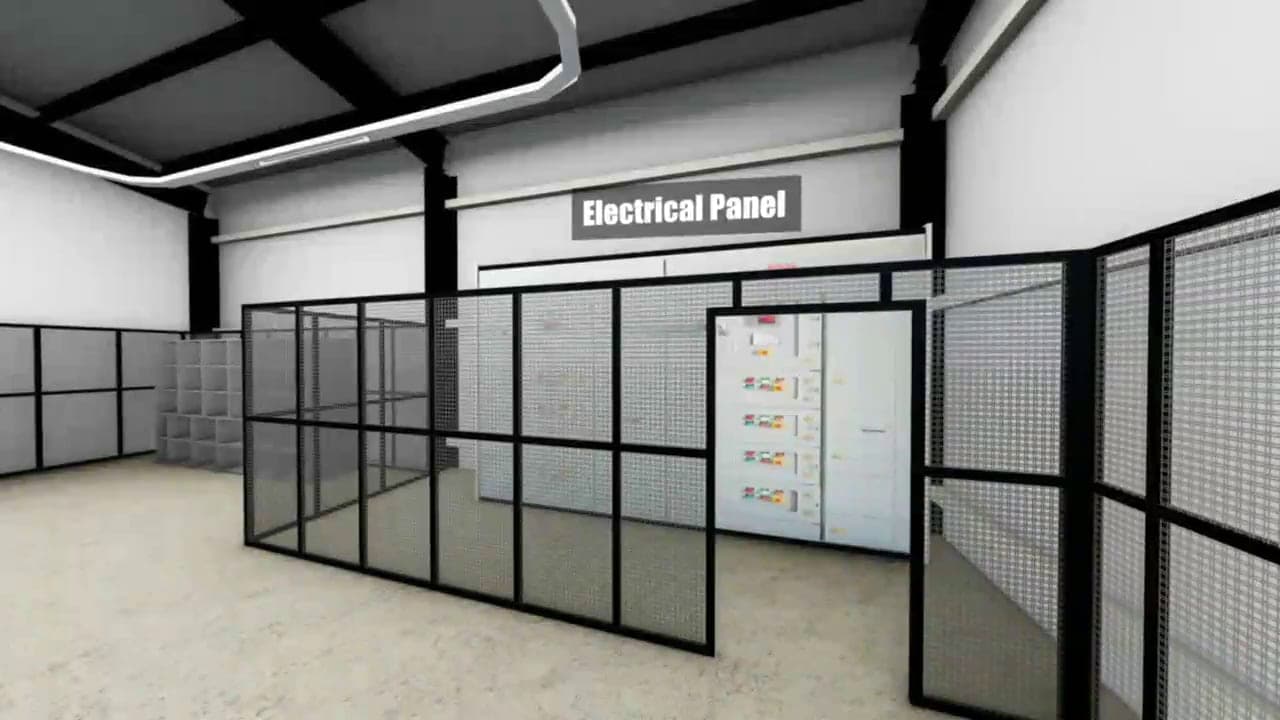
A 3D walkthrough of an industrial facility layout, created for training and orientation.
 Stills
Engineering Visualization
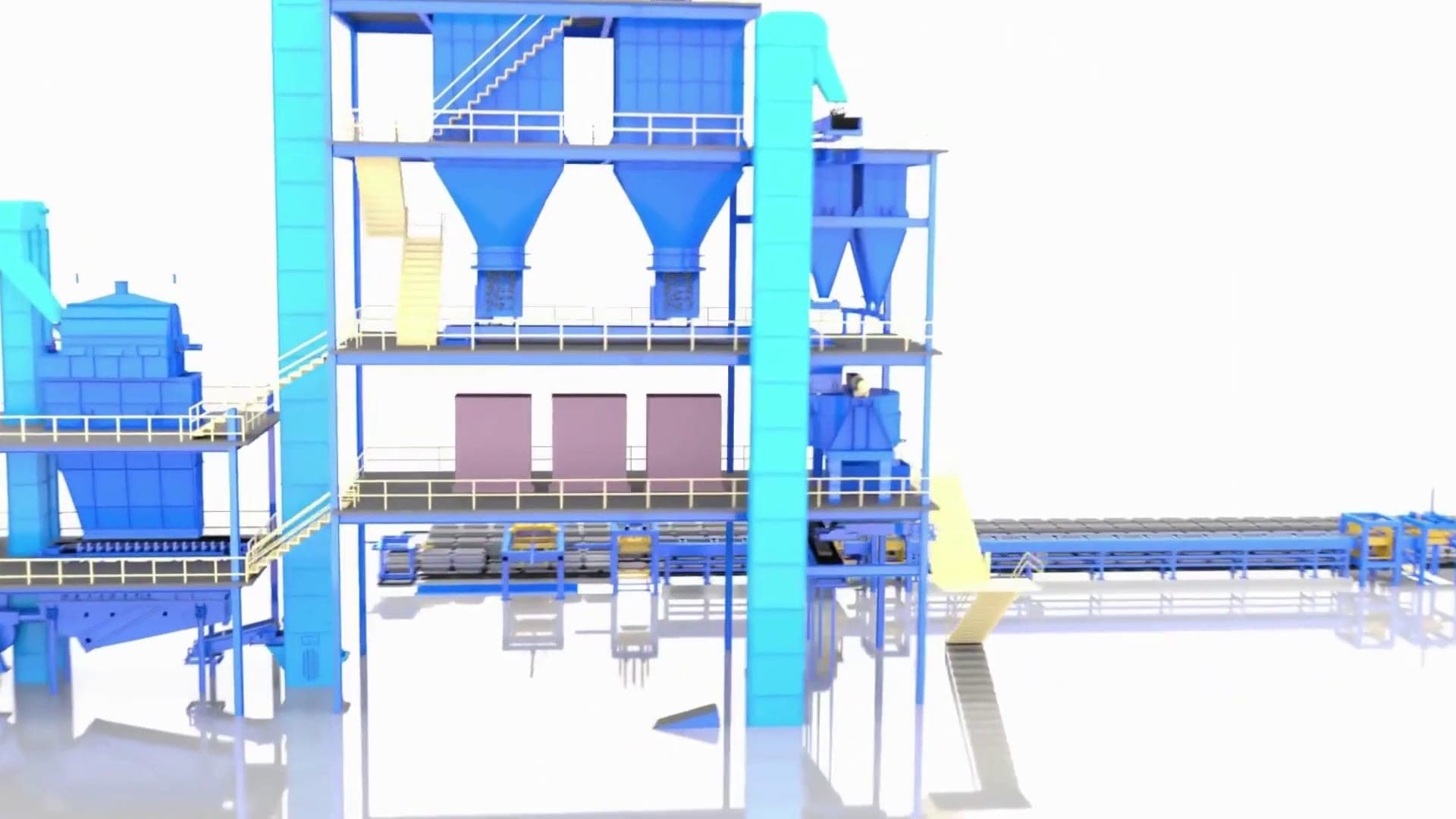
3D engineering visualization of a multi-level processing plant with hoppers, silos, stairways and conveyors.
Applications
Guided camera tours of plants, warehouses and technical spaces.
Visualize equipment placement, access and flow.
Railways, routes and operations explained in context.
Renders and sequences for manuals and reports.
Explain a project to clients, investors and the public.
Process
We agree what the animation must explain, who will watch it and where it will be used, and collect your CAD files, drawings or references.
The sequence of shots and key messages is planned and approved before any production starts, so there are no surprises later.
Machines, products and environments are built from your technical data, sketches or photos, with accuracy checked against your references.
Motion, camera, lighting and materials bring the story to life, from internal mechanisms to full production lines.
You review drafts, request changes within the agreed revision rounds, and receive final files ready for your presentation, website or event.
Insights
FAQ
Yes. We work from CAD files, engineering drawings and technical specifications, and can collaborate directly with your engineering team to make sure your systems are represented accurately.
No. Our visualizations communicate a design clearly and accurately for presentations and reviews. They are not engineering simulations, and they do not replace your analysis or calculations.
It depends on complexity and scope. A standard product animation typically takes 2 to 4 weeks, while more complex industrial machinery animations may take 4 to 8 weeks. You receive a detailed timeline during planning, with clear communication throughout production.
Reference material such as CAD files, technical drawings, product specifications, photos or existing documentation. During the first conversation we agree your goals, timeline and deliverables. If you don't have technical files, we can work from sketches, descriptions or reference images.
Start a project
Tell us what you need to explain and who you need to reach. We'll reply with questions, ideas and a clear next step.